

Cloud vs. On-Site Security Camera Storage: Which Fits Your Commercial Property?
Compare cloud, on-site NVR and hybrid recording before investing in your next surveillance system. Understand costs, outages, retention and access—and choose a setup around your business.
Where your footage lives matters.
Cameras capture the scene. Your recording system determines where that footage is stored, how long it stays available and how your team retrieves it.
When comparing cloud vs. on-site security camera storage, start with your property’s needs: camera count, internet capacity, recording schedule, retention requirements and who needs access.
For Atlanta offices, retailers, warehouses and commercial properties, the right answer may be local recording, cloud storage or a combination. Mounted Up can assess the site and quote compatible equipment, installation and supporting infrastructure.
Remote viewing does not automatically mean cloud storage.
A phone app may connect to footage stored on an NVR at your property. Cloud management, remote viewing and off-site video storage are different capabilities. Confirm exactly where recordings are saved.
Cloud, on-site or hybrid?
These are general architecture differences. Features, licensing and outage behavior vary by manufacturer, model, service plan and configuration.
| Consideration | Cloud Storage | On-Site NVR | Hybrid Storage |
|---|---|---|---|
| Recording location | Video is uploaded to provider-hosted storage. | Video is stored on a recorder at your property. | Local recording is combined with defined off-site storage. |
| Internet outage | Uploads pause; supported local buffering may preserve footage. | Local recording can continue if cameras, network and recorder remain operational. | Local recording may continue; cloud uploads or synchronization depend on the design. |
| Remote access | Usually provided through an internet-connected platform. | Available with compatible software and a secure connection. | Available through supported management tools. |
| Cost structure | Hardware and installation plus recurring service or storage fees. | Recorder, drives and installation plus maintenance and any software fees. | Local hardware plus selected cloud services and maintenance. |
| Local theft or damage | Previously uploaded footage is stored away from the property. | Footage can be lost if the only recorder is stolen or damaged. | Protection depends on which footage was successfully copied off-site. |
| Expansion | Check camera compatibility, licensing and upload capacity. | Check recorder channels, throughput and usable storage. | Check both local capacity and cloud service limits. |
Keep uploaded footage off-site.
Cloud storage sends recordings to a provider’s infrastructure. Some systems upload directly from supported cameras; others use an on-site bridge or appliance.
This can suit businesses that want centralized access, multiple-location management and recordings stored away from the building. It still requires planning for compatibility, connectivity and ongoing costs.
- Check upload speed: Camera count, bitrate and recording schedules affect bandwidth demand.
- Confirm the plan: Retention, resolution, user access and export features may depend on the subscription.
- Ask about buffering: Local outage recording and later upload must be supported and configured.
- Review account controls: Assign appropriate permissions and enable multifactor authentication where supported.


Store footage at your property.
A network video recorder, or NVR, stores IP camera footage locally. A properly configured local system can record without an internet connection while its cameras, network and recorder remain powered and connected.
Local storage can suit sites with substantial recording needs or limited upload capacity. It also gives the business responsibility for protecting and maintaining the recording hardware.
- Size usable storage for the intended recording workload.
- Protect the recorder from casual access, theft and heat.
- Monitor drive health and confirm cameras are recording.
- Plan secure remote access and appropriate software updates.
Local recording does not automatically eliminate software, maintenance or remote-service fees. Confirm those items in the proposed scope.
Consider hybrid storage when both locations matter.
Hybrid storage combines local recording with off-site storage. Depending on the platform, the cloud copy may include selected cameras, event clips or a broader archive.
A system with cloud management and a local recorder is not necessarily keeping a second copy of the video. Confirm which footage is copied, when it uploads and how long each copy remains available.
Hybrid deserves consideration when you need substantial local recording alongside off-site preservation of important views. Its value depends on a clear recording policy and tested recovery behavior.
Define the backup before relying on it.
Ask whether the cloud copy includes continuous video or events, whether outages are backfilled, how storage limits are handled and whether footage remains accessible if local hardware fails.
Compare the full operating cost.
Compare proposals using the same camera count, image settings, recording schedule and retention target. A low starting price can hide differences in storage, licensing, maintenance or included functionality.
Initial Installation
Cameras, mounting, cabling, switches, recording equipment, configuration and any required network improvements.
Recurring Services
Cloud retention, software licenses, support, connectivity and optional platform features.
Maintenance & Expansion
Drive replacement, updates, equipment servicing, additional cameras and future capacity.
How much footage will the system retain?
Retention depends on the amount of usable storage and how quickly the cameras generate video. Resolution, frame rate, compression, bitrate and scene activity all matter. Continuous recording and event-only recording can have very different storage requirements.
Request a documented retention estimate based on the proposed settings. Confirm the achieved retention after commissioning and preserve important incidents before normal overwrite or expiration.
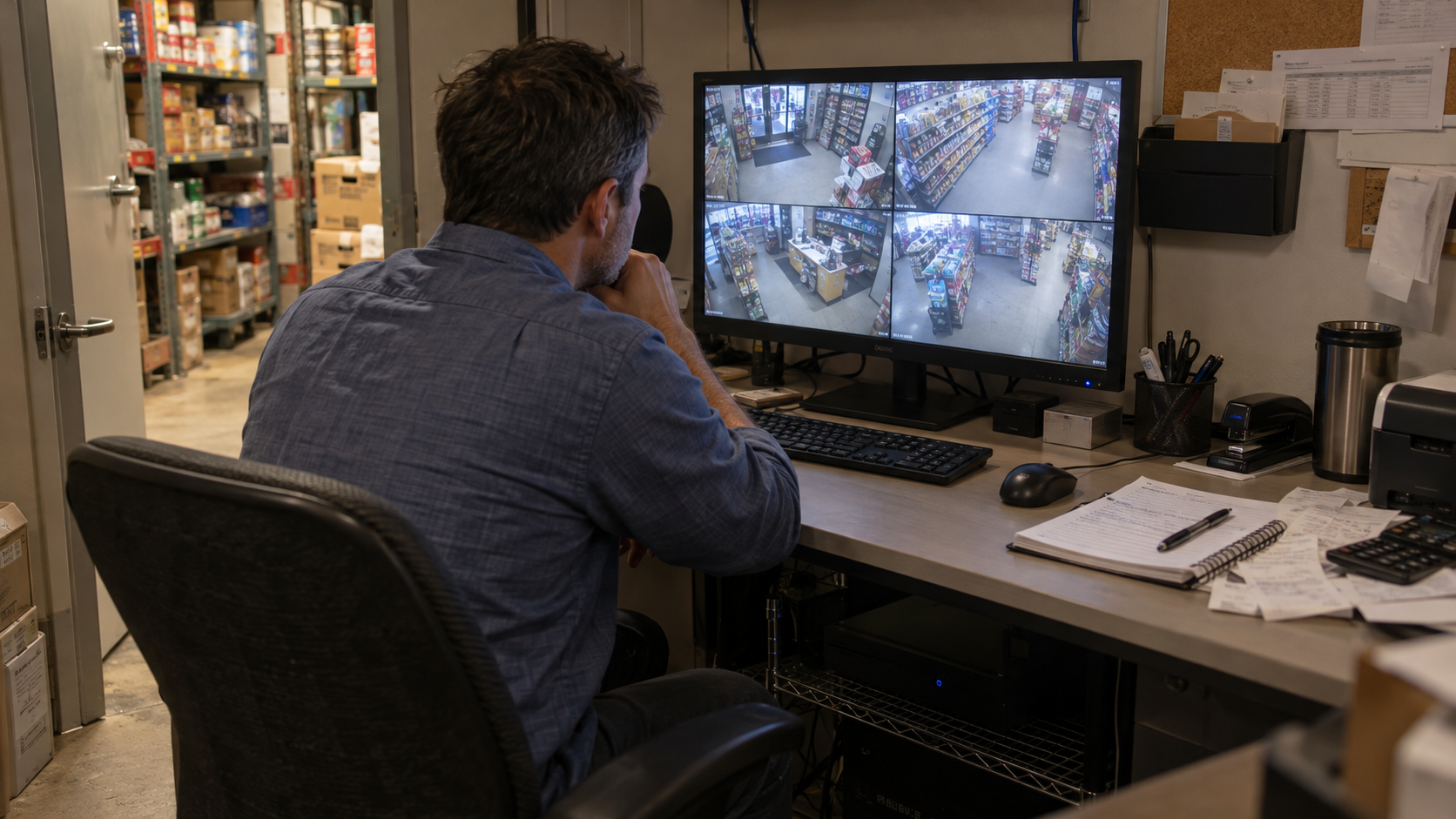
Internet loss and power loss are different problems.
During an internet outage, functioning local recording may continue while off-site viewing and uploads become unavailable. A cloud system needs supported local buffering to preserve new footage for later upload.
During a power outage, cameras and supporting equipment need an appropriate backup power design. Keeping only the recorder powered does not help if the PoE switch supplying the cameras shuts down.
- Identify which equipment requires backup power.
- Size runtime against the actual connected load.
- Check local recording and recovery after interruptions.
- Verify upload catch-up behavior on supported systems.

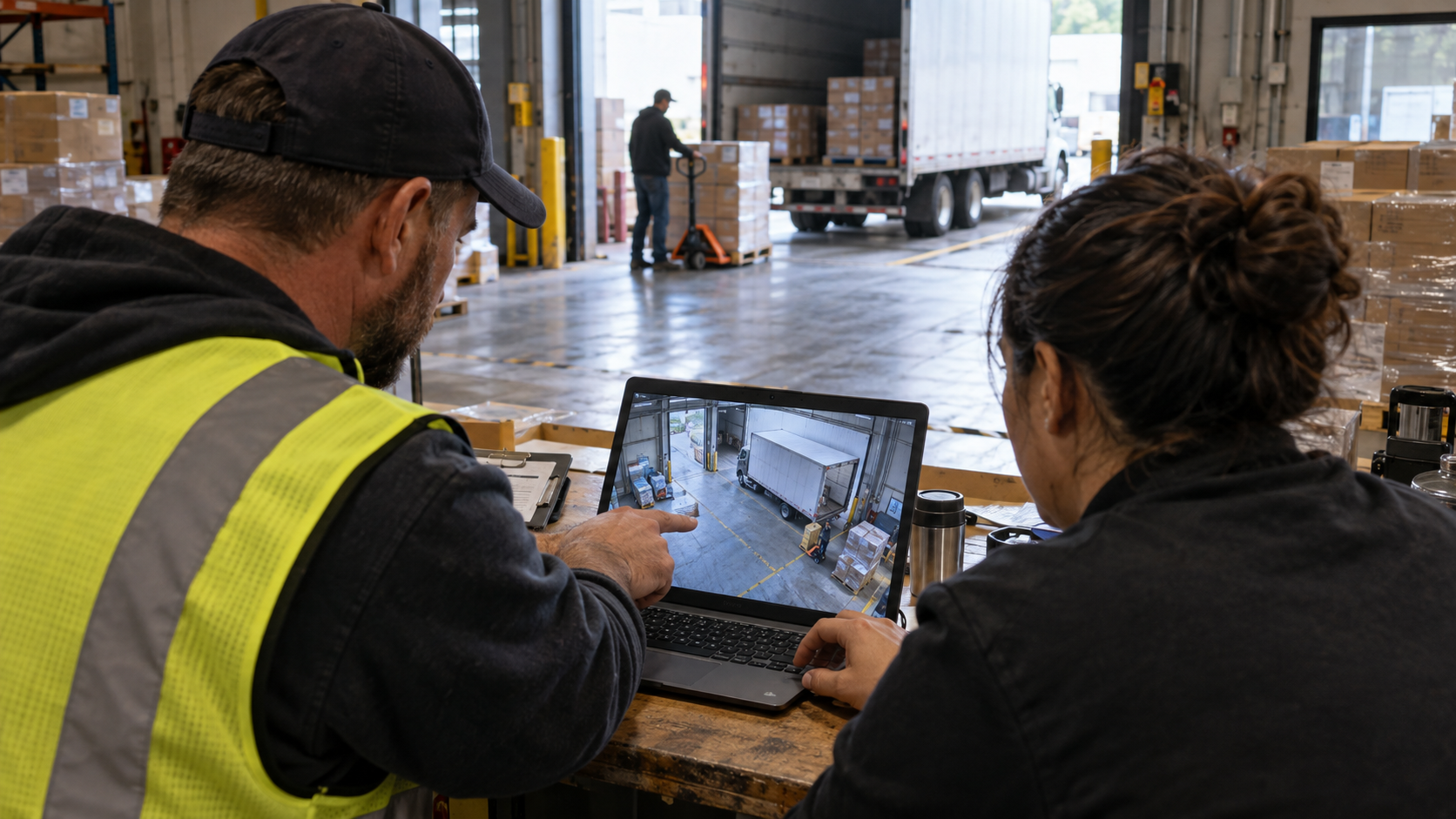
Make footage usable when your team needs it.
Before accepting a system, have an authorized user find an event, play it back and export a usable copy. Confirm camera names and timestamps are correct.
Review who can view, download, share or delete footage. Use individual accounts, suitable permissions and multifactor authentication where available.
Cloud and on-site systems both need security maintenance. Review updates, account ownership, audit features, remote-access methods and the process for removing former users.
Which storage approach fits your operation?
Retail & Offices
Consider who needs access, how quickly incidents are discovered and whether off-site storage is important. Cloud, local or hybrid may fit depending on those needs.
Warehouses & Large Sites
Review camera count, continuous recording demand, usable storage and upload capacity. Assess local or hybrid options alongside fully cloud-based proposals.
Multiple Locations
Prioritize consistent permissions, centralized administration and repeatable retention policies. Confirm connectivity and storage behavior at every site.
Mounted Up can evaluate existing equipment, camera compatibility, cabling, recording capacity and network requirements. The proposed design should explain what records locally, what is stored off-site and what happens during an interruption.
For broader planning, explore our commercial security systems Atlanta guide .
Ask these questions first.
- Where is each camera’s footage actually stored?
- Is recording continuous, scheduled or event-based?
- What retention is estimated at the proposed settings?
- What happens during internet and power outages?
- Which cameras and features require licenses?
- Who owns the administrator account and exported footage?
- Can existing cameras be reused with full required functionality?
- What are the recurring fees and cancellation terms?
- How are recording failures detected and reported?
- What training, maintenance and support are included?
Cloud vs. on-site camera storage.
Can an NVR record without internet?
A properly configured local NVR system can continue recording if its cameras, local network and recorder remain operational. Remote viewing and internet-dependent services may be unavailable.
Does viewing cameras on my phone mean I have cloud storage?
No. Your app may be retrieving footage from a recorder at the property. Check the recording configuration and service agreement to confirm whether an off-site copy exists.
Will cloud cameras record during an internet outage?
Only if the system supports and is configured for suitable local recording or buffering. Buffer capacity and later synchronization vary. Verify the proposed equipment’s behavior before relying on it.
Is cloud storage more secure than local storage?
Neither architecture is automatically more secure. Cloud storage separates uploaded footage from local hardware risks, while introducing provider and account considerations. Local systems need physical protection and secure network administration. Both require appropriate configuration and maintenance.
Can existing cameras work with a new storage system?
Sometimes. Compatibility depends on the model, firmware, supported protocols, licensing and required features. Video compatibility alone does not guarantee support for audio, analytics, events or other functions.
How much does commercial camera storage cost?
Pricing depends on camera count, retention, image settings, recording hardware, subscriptions, installation and network requirements. Request a site-specific estimate with initial and recurring costs listed separately.
Choose a recording system around your business.
Get help comparing camera storage, planning retention and identifying the equipment and infrastructure your property needs.