

Your Security System Can Look Online While Critical Protection Is Already Offline
A camera on the wall does not guarantee usable video. A card reader that lights up does not prove access is being managed. Commercial security downtime often remains invisible until an incident exposes the failure.
Security downtime rarely announces itself.
A failed camera does not always create a visible warning. Storage can stop recording while live video continues to appear on a monitor. Access credentials may remain active after an employee leaves. A damaged cable, aging switch or power interruption can quietly remove coverage from a priority area.
Because the equipment still exists, leadership may assume the business is protected. The failure becomes obvious only when someone needs recorded evidence, a restricted door does not respond or remote access suddenly disappears.
Can your system answer these questions today?
- Are every camera and protected door currently online?
- Can authorized staff retrieve recent recorded video?
- Is nighttime footage clear enough to be useful?
- Are former employee and vendor credentials disabled?
- Who receives equipment and connectivity failure alerts?
- Has backup power or recovery performance been tested?
Six problems that create false confidence
Reliable protection depends on the complete system—not only the equipment people can see.
Offline Cameras
Power, cabling, network or hardware faults can remove critical views without an obvious physical sign.
Recording Failure
Live video may remain visible even when storage is full, damaged, misconfigured or no longer recording.
Unusable Night Video
Glare, darkness, poor placement and changing lighting conditions can destroy otherwise valuable footage.
Access-Control Faults
Reader, lock, controller or credential problems may prevent authorized entry or leave protected doors exposed.
Network Interruptions
Overloaded or unmanaged networks can interrupt cameras, controllers, remote access and system communication.
No Alert Ownership
A system may generate warnings without assigning anyone to investigate, escalate or confirm recovery.
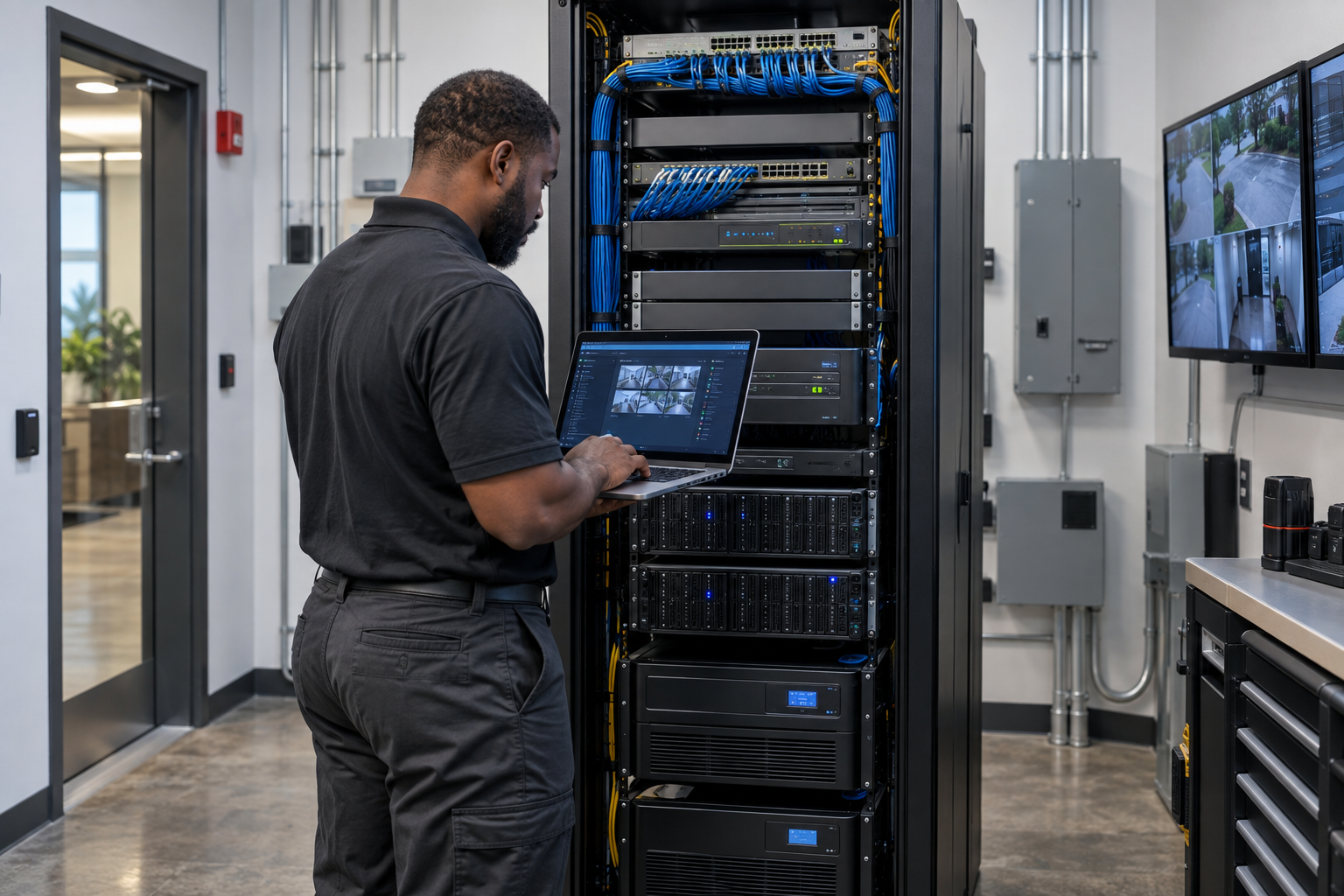
A security system is only as dependable as the network supporting it.
Modern cameras and access-control systems depend on power, structured cabling, switches, storage, credentials and network connectivity. Treating each device as an isolated product overlooks the infrastructure that keeps the entire system operating.
Every active credential should belong to an authorized person.
Access control can improve visibility and accountability, but only when permissions reflect current operations. Former employees, temporary contractors, outdated schedules and unreviewed administrator accounts can create exposure even when every reader appears operational.
- Test card readers, door hardware and request-to-exit devices
- Review active employee, vendor and temporary credentials
- Confirm time schedules, holiday rules and after-hours permissions
- Inspect forced-door and held-open alert performance
- Verify event records and authorized administrator access
- Document credential removal during employee offboarding
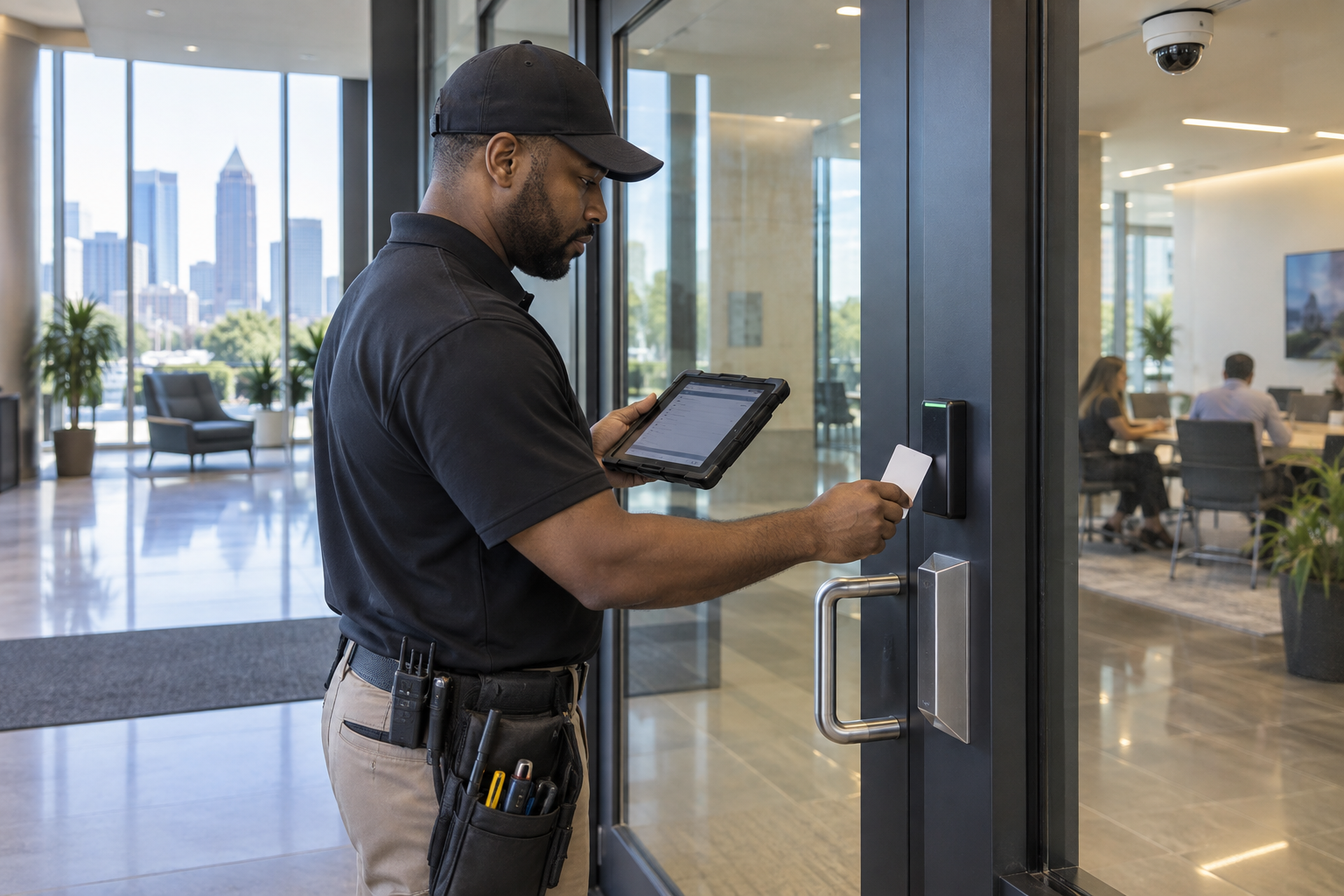
What a complete system health check should examine
- Camera uptime, positioning, focus and physical condition
- Daytime and nighttime image quality at priority locations
- Recording status, storage health, retention and retrieval
- Door readers, locks, controllers and active credentials
- Network switches, structured cabling and remote connectivity
- Device firmware, passwords and authorized user permissions
- Commercial lighting affecting safety and camera performance
- Failure notifications, escalation paths and response ownership
- Backup power, restart behavior and documented recovery
Priorities—not a pile of product recommendations
A useful health check should separate immediate failures, operational corrections and longer-term upgrades. Leadership should understand what is offline, what creates exposure, what can be corrected now and what should be included in the capital plan.
That creates a clearer investment decision and a more dependable commercial security infrastructure.
Do not wait for an incident to test your security system.
Mounted Up helps Atlanta businesses assess, repair, upgrade and integrate the technology protecting their facilities and operations.
Commercial security system downtime FAQs
How can a camera appear online without recording?
A camera may continue showing live video while the recorder, storage drive, retention configuration or communication path has failed. Recording and retrieval should be tested separately from live viewing.
How often should a commercial security system be inspected?
The appropriate schedule depends on facility risk, operating requirements, equipment and applicable policies. An incident, renovation, power failure, staffing change, device warning or operational expansion should trigger an additional review.
Why does networking matter to physical security?
Modern cameras, recorders and access-control platforms often depend on network connectivity. Switch capacity, cabling, device permissions and controlled remote access can directly affect system availability.
What should happen when an employee leaves?
Credentials and remote access should be removed through a documented offboarding process. Any shared codes, administrator permissions or keys affected by the departure should also be reviewed.
What commercial systems does Mounted Up support?
Mounted Up supports CCTV and surveillance, access control, structured cabling, business networking, Wi-Fi infrastructure, server installation, commercial lighting, system upgrades and integrated commercial security technology.
This article provides general planning information. No security system can prevent every incident or guarantee a specific outcome. Inspection, maintenance and system design should reflect site conditions, authorized business requirements and applicable standards.